Beyond the FAQ: How to Structure Your Web Pages for AI Conversations
Ever asked a voice assistant a question with a "but what about…" follow-up, only to get a completely unrelated answer? It feels like the assistant has amnesia. The problem isn't the AI—it's the websites it's trying to learn from.
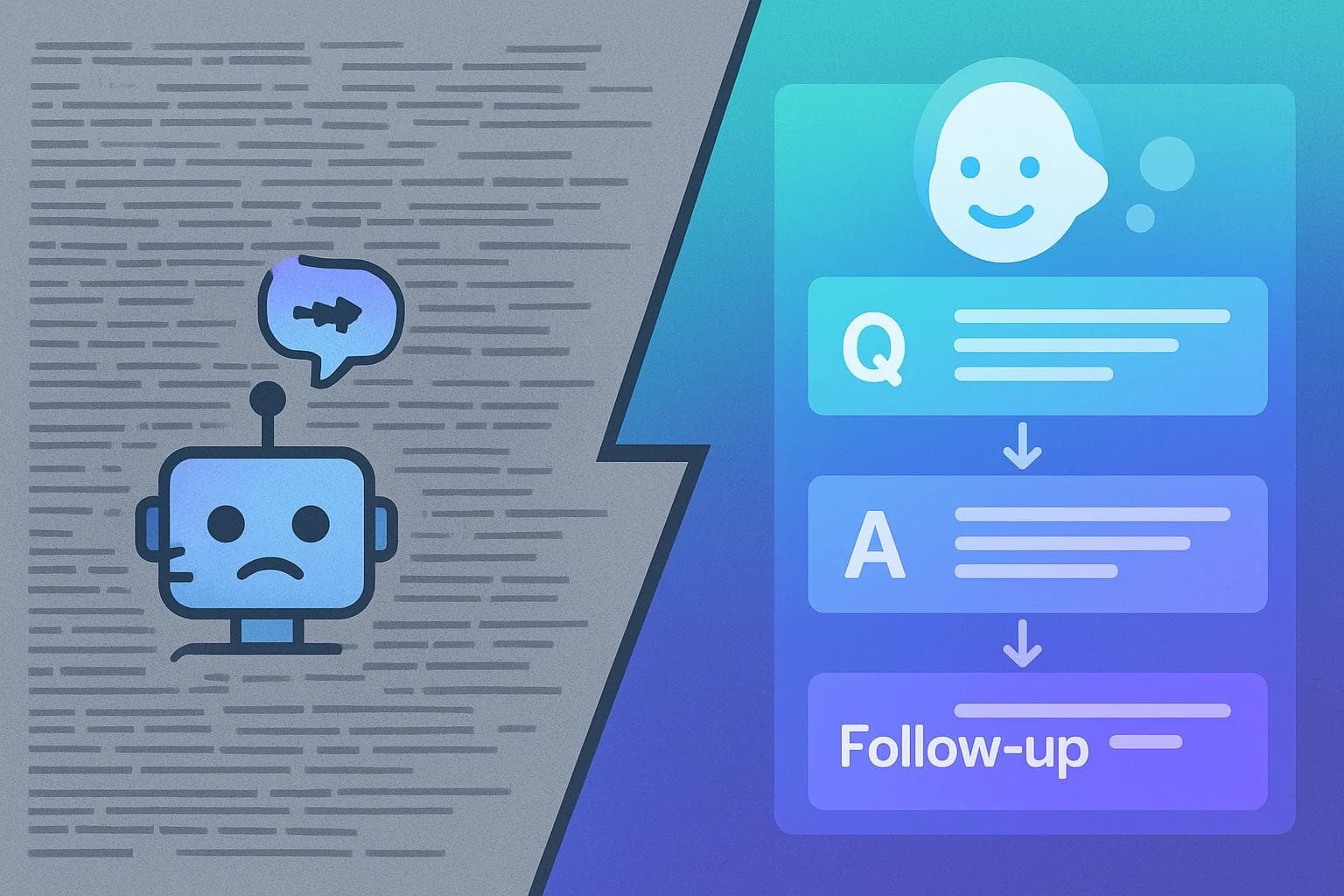
Most web pages are built like static documents, packed with information in dense paragraphs. They’re designed for people to read top-to-bottom. But AI assistants and modern search engines don't "read" that way. They're looking for clear, structured answers to conversational questions. When your page is a wall of text, the AI gets confused, grabs a snippet, and misses the crucial context for the follow-up.
This is a quiet crisis in digital content. If your website doesn't speak the language of conversation, it's becoming invisible to the next generation of search. The solution isn't just about adding a chatbot; it's about fundamentally rethinking how we structure the content on our pages to mirror a natural dialogue.
What is Conversational Page Design, Really?
When you hear "conversation design," you might picture complex chatbot flowcharts. Industry leaders like Google define it as a design language focused on how humans and computers talk to each other. But here's the secret: you don't need a chatbot to have a conversation. Your web page itself can be the dialogue.
Conversational Page Design is the practice of structuring your content not as a monolithic article, but as a series of interconnected questions and answers. It anticipates what a user will ask next and provides a clear, intuitive path to that information, guiding them through a topic just like a helpful expert would.
Think of the difference:
- Traditional Page: A long "Ultimate Guide to Mortgages" article. The answer to "What about closing costs?" is buried in paragraph 27.
- Conversational Page: The page starts with "What is a mortgage?" It provides a short answer and then immediately offers the most common follow-up questions: "How do I qualify?", "What are the different types?", and "What are the closing costs?" Each click leads to another clear answer and another set of follow-ups.
This approach transforms your page from a static document into a dynamic resource that responds to a user's train of thought.
The Core Building Block: The "Q→A→Follow-up" Model
To start building conversational pages, you only need one simple, powerful concept: the "Question→Answer→Follow-up" (Q→A→F) model. This is the atomic unit of conversational content. Every piece of information on your page can be broken down into this structure.

Here’s how it works:
- Q (Question): This is the user's specific need or intent. On your page, this is often a clear, direct heading (an H2 or H3). It frames the problem from the user's perspective, like "How do I reset my password?"
- A (Answer): This is a direct, concise answer to that question. No fluff. Just the essential information needed to satisfy the immediate query. This should be the paragraph right under the heading.
- F (Follow-up): This is the most critical and often-missed step. After answering the question, you must anticipate the next logical question. The follow-ups are presented as clear choices—typically as internal links, buttons, or expandable sections—that guide the user deeper into the topic. Examples: "What if I forgot my username?" or "Learn more about securing your account."
By building your page with these modular Q→A→F blocks, you create a "choose your own adventure" experience that feels personal and intuitive.
Deconstructing a Complex Question: From User Intent to Page Structure
Let's see this in action. Imagine a frustrated user trying to access their account. Their mental query isn't a simple keyword; it's a multi-step problem:
"Okay, I need to reset my password for this service, but shoot, I can't remember my username. And I think the email I signed up with is my old college one that I can't access anymore. What do I do?"
A traditional help page would likely fail this user. They'd have to scan a massive document, piecing together information from three different sections.
With a conversational approach, we map this complex query directly into our page structure.
Step 1: Identify the Primary Intent. The main goal is "Reset My Password." This becomes our main heading (H1 or H2) and the first Q→A→F block on the page.
Step 2: Isolate the Follow-up Problems. The user has two dependent problems:
- "I forgot my username."
- "I can't access my registered email."
Step 3: Build the Conversational Flow.The page starts by addressing the primary intent.
How to Reset Your Password (Question)
Each of those follow-up links jumps the user down to another Q→A→F block on the same page, which is dedicated to solving that specific problem. The page itself becomes the guide.

This structure feels effortless for a human user, but its real power is in how it communicates with artificial intelligence.
Why This Matters for AI Assistants and GEO
AI assistants from Google, Apple, and others are designed to understand and engage in multi-turn conversations. When they scan the web for answers, they aren't just looking for keywords; they're looking for logical structure and context.
A page built with Q→A→F blocks provides a perfect script for an AI.
- Clarity: The distinct sections and clear headings allow an AI to instantly identify a specific question and its corresponding answer.
- Context: The "Follow-up" links create a semantic relationship between different pieces of information. The AI understands that "forgot username" is a sub-problem of "reset password."
- Confidence: When an AI can confidently map a conversational flow from your content, it's far more likely to choose your page as the authoritative source for its answer.
This is the foundation of a new discipline: Generative Engine Optimization (GEO). GEO is about optimizing your content not just for search engines, but for the generative AI models that power them. A conversationally designed page is a GEO-optimized page. It's structured to be easily understood, deconstructed, and reassembled into a helpful, multi-step AI answer.
Putting It Into Practice: Simple Steps to Get Started
You don't need to rebuild your entire website overnight. You can start making an impact with a few small changes.
- Audit Your Highest-Traffic Pages: Pick your most popular blog post, a key service page, or your FAQ page. Read through it from the perspective of a user with a specific problem. Is the answer easy to find?
- Identify the "Hidden" Questions: Look within your long paragraphs. Are there three or four distinct ideas packed into one block of text? Each of those is a potential Q→A→F block.
- Rewrite with Structure: Break up those paragraphs. Use clear, question-based headings (H2s and H3s). Write short, direct answers. Then, add a bulleted list of internal links at the end of the section that guides the reader to the next logical step.
- Think in Journeys, Not Pages: Instead of thinking "What should go on this page?", ask "What journey is the user on?" Map out the potential paths they might take and ensure your content supports every turn.
Frequently Asked Questions about Conversational Page Design
Is this just for FAQ pages?
Absolutely not. While FAQ pages are a natural fit, this model is incredibly powerful for service pages (explaining a process step-by-step), product pages (answering common purchase hesitations), and pillar blog posts (guiding a reader through a complex topic).
Do I need a chatbot for this to work?
No. This is a content structure philosophy, not a technology. The goal is to make your static page feel as interactive and helpful as a chatbot, using basic elements like headings and links.
How is this different from good SEO?
It's the next evolution. Traditional SEO often focuses on matching keywords to a page. Conversational design focuses on matching a user's entire intent journey to a page's structure. This is a critical component of a modern AI SEO approach, ensuring you rank not just in blue links, but in AI-generated answers.
How long should an "answer" be?
As short as possible while still being complete. Aim for one to three sentences. The goal is to provide a quick, satisfying answer and then empower the user to explore deeper via the "Follow-up" links if they choose. This is a principle called progressive disclosure.
The Future is Conversational
The internet is fundamentally changing. We are moving away from a web of static documents and toward a web of instant, conversational answers. Users now expect to ask questions in natural language and get coherent, relevant responses.
Structuring your content to meet this expectation is no longer a "nice-to-have" design trend; it's a strategic imperative for discoverability. By thinking in terms of questions, answers, and follow-ups, you create experiences that serve both your human readers and the AI assistants they rely on. You’re not just publishing content; you're building the conversations that will define the future of your brand's online presence.
For businesses aiming to implement this at scale, leveraging an automated content strategy can transform this principle into a consistent engine for organic growth, ensuring every piece of content is perfectly structured for the new conversational web.

Roald
Founder Fonzy — Obsessed with scaling organic traffic. Writing about the intersection of SEO, AI, and product growth.
Stop writing content.
Start growing traffic.
You just read about the strategy. Now let Fonzy execute it for you. Get 30 SEO-optimized articles published to your site in the next 10 minutes.
No credit card required for demo. Cancel anytime.
Topical Breadth vs Depth How Coverage Influences AI Answers
Learn how balancing topical breadth and depth helps your content get cited by AI answer tools and build authority.
Building topical authority that AI and search engines trust
Learn how to shift from keywords to entities and build the expertise AI and search engines recognize and trust.
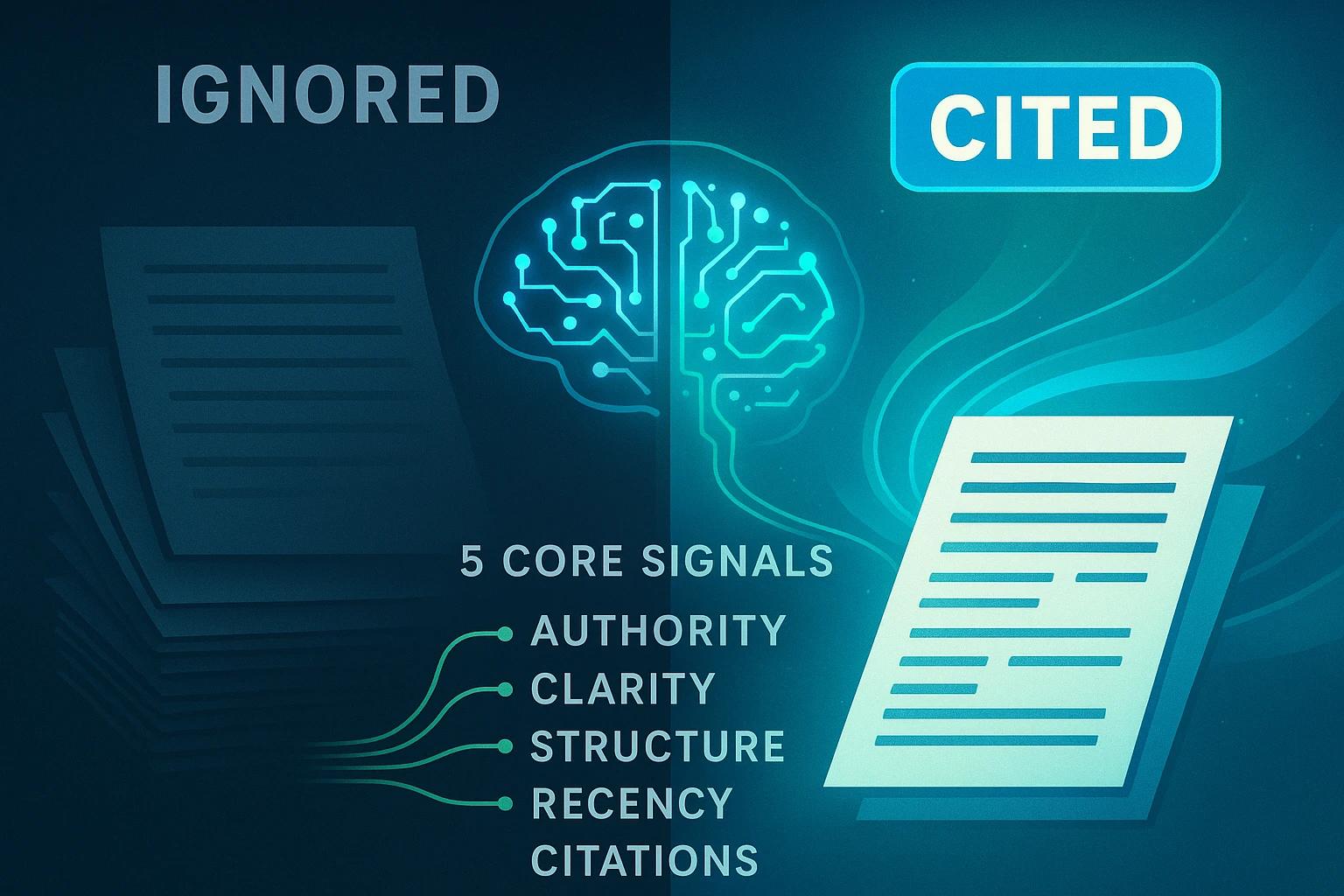
How AI Answer Engines Choose What to Cite
Discover the key signals and heuristics AI uses to decide which sources to cite in their answers.