Small-Team Playbook Automating SEO Tasks Without Dev Support

Small-Team Playbook: Automating Routine SEO Tasks Without a Dev Team
If you're part of a small marketing team or a solo operator, you know the feeling. You're the strategist, the writer, the analyst, and the technician, all rolled into one. You’re juggling keyword research, content creation, and performance tracking, but it’s the endless, repetitive tasks—updating meta descriptions, finding internal linking opportunities, checking for broken links—that quietly consume your most valuable resource: time.
What if you could put those routine tasks on autopilot?
Many marketers hear "automation" and immediately think of complex code, developer requests, and a budget they just don't have. But that’s an outdated picture. Today, a new wave of accessible tools and clever workflows allows you to automate the nuts and bolts of SEO, no dev team required. This isn't about replacing your strategic mind; it's about freeing it up to do the work that truly matters.
Let's explore how to build your own "no-dev" SEO automation playbook to reclaim your time and drive consistent, compounding growth.
The "No-Dev" Philosophy: What Can You Realistically Automate?
Before diving into tools, it’s crucial to understand the landscape. SEO automation isn’t a single magic button. It’s a spectrum of tasks that can be handled by software, ranging from simple alerts to complex content generation. For a small team without developers, the sweet spot lies in automating tasks that are:
- Repetitive: Performed regularly (daily, weekly, monthly).
- Rule-Based: Follow a clear set of logical steps.
- Time-Consuming: Take up significant manual effort with low strategic input.
Think of it less as "automating SEO" and more as "automating SEO operations." Your strategy, creativity, and expertise remain the driving force. You’re just building a reliable engine to execute the repeatable parts of your plan.

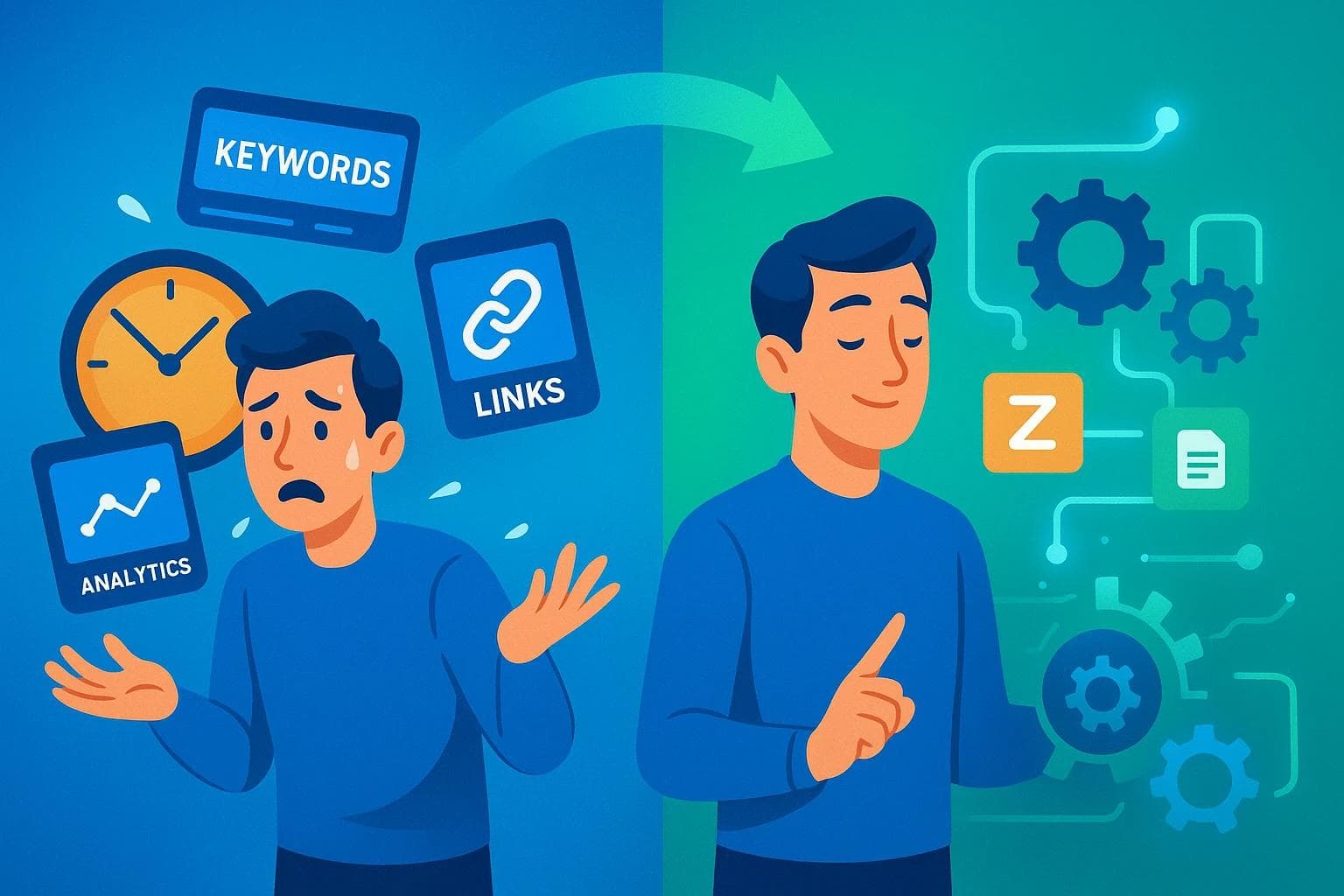
This visual clarifies which routine SEO tasks small teams can automate using accessible tools, enabling marketers to focus efforts strategically while saving time.
Your First No-Code SEO Automation Recipes
Theory is great, but practical playbooks are better. Here are a few step-by-step recipes for automating common SEO tasks using accessible, no-code tools.
Playbook 1: Title & Meta Description Testing
Manually tweaking titles and metas across dozens of pages is tedious and hard to track. An automated workflow can help you generate, test, and monitor them systematically.
- The Problem: You know optimizing for click-through rate (CTR) is vital, but you don't have time to manually test variations on every important page.
- The No-Code Recipe:Extract Data: Use a tool like Screaming Frog (the free version crawls up to 500 URLs) to export a list of your current page titles, meta descriptions, and their corresponding URLs into a CSV file.
- Generate Variations: Import the CSV into a Google Sheet. Create new columns for "Test Title 1," "Test Meta 1," etc. Use formulas like
="Best " & [Target Keyword] & " in " & [Year]or a Google Sheets add-on with AI capabilities to brainstorm new, compelling options. - Push & Monitor: Use a no-code automation tool like Zapier or Make.com. You can create a "Zap" that watches your Google Search Console performance data. Set a rule: "If the CTR for a specific page drops below X% for 7 days, send me a Slack or email notification to test a new title." This turns a manual check into a proactive alert.
- The Human Checkpoint: The automation alerts you to the problem. Your job is to use your strategic insight to choose the best variation from your Google Sheet, update it in your CMS, and monitor the results. The machine flags the opportunity; the human makes the creative decision.

This image breaks down how small teams can automate title and meta testing using no-code tools while maintaining essential human oversight for quality control.
Playbook 2: Smart Internal Linking
As your site grows, remembering every relevant article to link to becomes impossible. Automation can act as your second brain, suggesting contextual opportunities you might have missed.
- The Problem: You publish a new blog post but forget to link to it from relevant, high-authority older posts, leaving valuable "link equity" on the table.
- The No-Code Recipe: While many sophisticated tools exist, a simple starting point for WordPress users is a plugin like Link Whisper. It uses Natural Language Processing (NLP) to scan your content and suggest relevant internal links as you write. It’s not full automation, but it’s an AI-assisted workflow that saves hours of manual searching.
- The Human Checkpoint: Never blindly accept every suggestion. Your role is to evaluate if the suggested link adds genuine value for the reader and fits naturally within the sentence. A good internal link improves user experience first and SEO second.
Playbook 3: Sitemap & Technical Health Monitoring
Technical issues like broken links or indexing errors can silently kill your rankings. Automated monitoring ensures you’re the first to know when something breaks.
- The Problem: A critical page accidentally gets a "noindex" tag or a sitemap error goes unnoticed for weeks, causing traffic to plummet.
- The No-Code Recipe: This is one of the easiest areas to automate.For Uptime: Use a free tool like UptimeRobot to monitor your site 24/7. If it goes down, you get an instant email or text.
- For SEO Errors: Set up email alerts directly in Google Search Console. It will notify you automatically of major crawl errors, indexing issues, or manual actions.
The Human Checkpoint: The alert tells you what is broken. Your job is to play detective and figure out why. Did a recent plugin update cause an issue? Did someone accidentally change a setting? The machine finds the problem; you provide the fix.
The Golden Rule: Automate the Task, Not the Strategy
As powerful as these workflows are, they come with a critical warning sign. The single biggest mistake marketers make is trying to automate the things that require a human touch.
You can't automate:
- Strategic Intent: Understanding why a user is searching for a keyword.
- Creativity & Brand Voice: Crafting a compelling narrative that resonates with your audience.
- E-E-A-T (Experience, Expertise, Authoritativeness, Trust): Building genuine credibility in your niche.
- Relationship Building: The human connection required for authentic link-building and community engagement.
Automation is your assistant, not your replacement. It handles the tedious work so you can dedicate your energy to high-level strategy, creative content, and building a brand people trust.

This visual emphasizes the essential collaboration between automated SEO processes and human strategic oversight to ensure high-quality outcomes.
Frequently Asked Questions
Is SEO automation safe? Will Google penalize me?
Yes, it's completely safe when done right. Google penalizes spammy, low-value tactics, not efficiency. Automating your internal workflows—like getting an alert when CTR drops or scheduling posts—is just smart marketing. It has no negative impact on how Google views your site.
How much technical skill do I really need to start?
Far less than you think. If you are comfortable working with a spreadsheet and can follow a setup wizard for a tool like Zapier, you have all the skills needed to implement the playbooks in this guide.
I'm a solo marketer. Where should I even start?
Start small to build momentum. Pick the single most annoying, repetitive task you do each week. Is it checking for broken links? Is it trying to remember which posts to link to? Choose that one task and use one of the recipes above to automate it. Your first small win will give you the confidence to tackle more.
What’s the difference between these tools and an all-in-one platform?
The tools mentioned here are excellent for automating specific, isolated tasks. It’s like having a toolbox with a great hammer and a great screwdriver. However, as you scale, you might find yourself managing multiple tools and subscriptions. An integrated platform like Fonzy AI acts as the entire automated workshop. It handles the complete lifecycle—from identifying opportunities and creating a content plan to writing, publishing, and optimizing—all in one place, automatically.
Your Next Step: Build Your First Automation
The journey to reclaiming your time starts with a single step. Don't try to automate everything at once.
This week, choose one task from this playbook—monitoring for broken links, setting up a CTR alert, or drafting a title tag test sheet. Implement the no-code recipe and see how it feels to let a system handle the work for you. By slowly and strategically building your automation engine, you’ll transform SEO from a list of chores into a powerful, scalable system for growth.
Roald
Founder Fonzy — Obsessed with scaling organic traffic. Writing about the intersection of SEO, AI, and product growth.
Stop writing content.
Start growing traffic.
You just read about the strategy. Now let Fonzy execute it for you. Get 30 SEO-optimized articles published to your site in the next 10 minutes.
No credit card required for demo. Cancel anytime.

How Content Frequency Affects SEO Rankings and What to Prioritize
Explore how balancing content speed and quality impacts SEO and learn when to focus on velocity or perfection.
5 Signs Your Content Strategy is Losing Customers
Discover key signs your content strategy is stuck and quietly losing customers before it impacts your growth.

How to Measure SEO ROI with Business Metrics
Learn simple ways to measure SEO ROI focusing on leads, conversions, cost, and customer value beyond keywords and rankings.