 Ready to grow?
On-page SEO is everything on your own pages that you can change yourself: the title, the headings, the words you write, the images, and the links between your pages. Off-page SEO is mostly other websites linking to you, which is largely out of your hands. This article is about the part you control, and it is shorter than the SEO blogs make it sound.
Most of those blogs are written for full-time SEOs. They cover canonical tags, crawl budgets, and schema markup that the owner of a small plumbing shop will never touch. You do not need any of it to start. You need a handful of edits, done on every page that matters to you, and that is most of on-page SEO right there.
To keep this concrete, follow one business the whole way down: Maple Street Plumbing, a small shop whose owner, Dana, built the site herself in Squarespace. Every tip below is a real edit Dana can make this afternoon, no developer required. The steps work the same whether you are on Squarespace, Wix, WordPress, or Shopify, because they are about your content, not your platform.
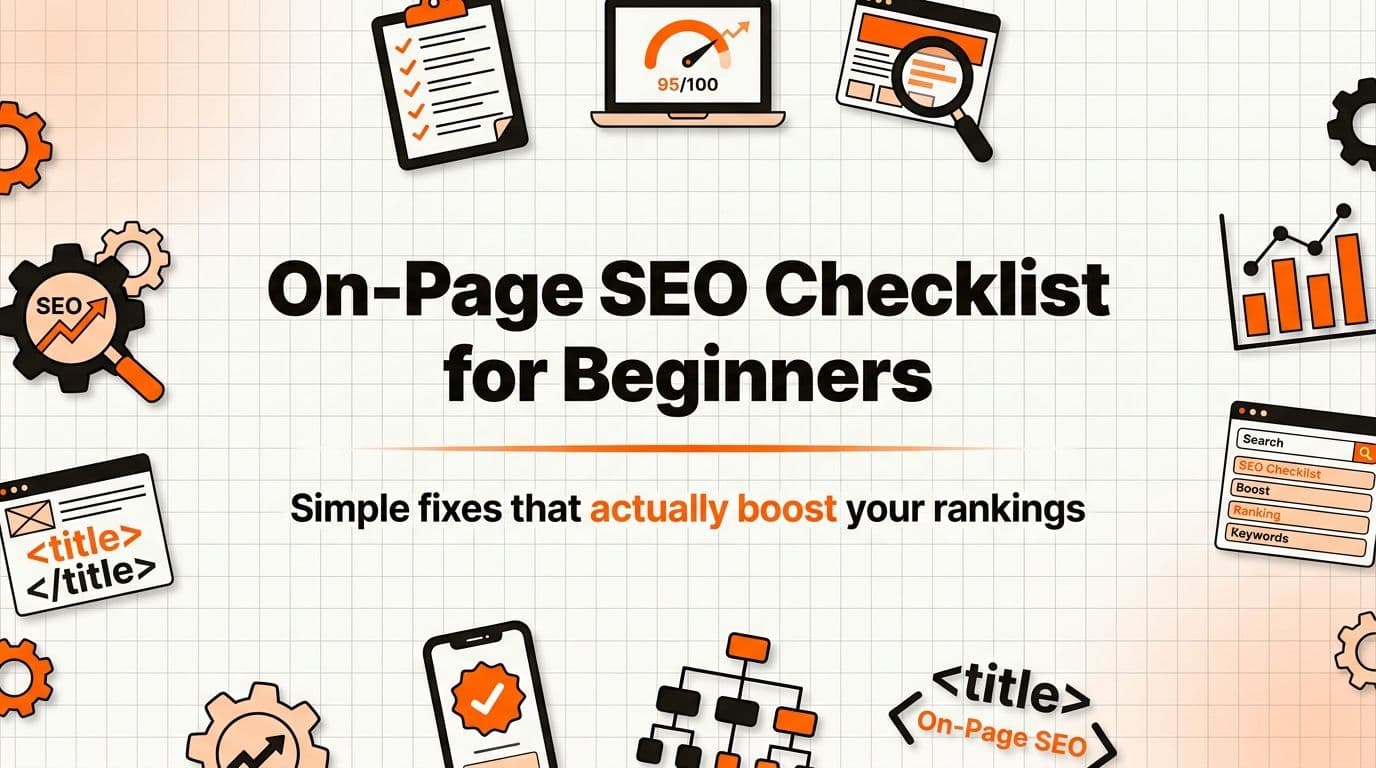
Here is the checklist, in priority order. Do the early ones first. They move the needle most.
Write a clear page title before anything else
Dana's "Services" page used to be titled "Services - Maple Street Plumbing." She changed it to "Emergency Plumber in Maple Street | Maple Street Plumbing." Within a few weeks it started showing up for people searching "emergency plumber near me." Nothing else on the page changed.
The page title is the single most important on-page edit you can make. It is the line Google shows as the clickable blue headline in search results, and it is the strongest hint search engines have about what your page is for. A title that just says "Services" tells Google almost nothing. A title that says what you do and where you do it tells Google exactly when to show you.
The rule is plain: describe the page the way a customer would describe what they want. If someone would type "drain cleaning Maple Street," put "drain cleaning" and "Maple Street" in the title. Keep it readable, keep it honest, and put the important words near the front.
This is the one element worth getting right on every page, so it is the one we go deepest on elsewhere. If you want the full walkthrough on writing titles, that is its own how-to. For now: open each important page, look at its title, and ask whether a stranger could tell what the page offers from that line alone.
Give each page one H1 and a logical heading structure
Open Dana's homepage and the first big line of text reads "24/7 Emergency Plumbing in Maple Street." That is the H1, the main heading of the page. Below it, the section headers ("Our Services," "Service Area," "What It Costs") are H2s. Inside a long service page, smaller sub-points sit under H3s. That order is the whole trick.
Headings do two jobs at once. They let a human skim the page in three seconds and find the part they want, and they tell search engines how the page is organized and what it is about. One clear H1 per page, then H2s for the main sections, then H3s for details underneath. Think of it like a document outline, because that is exactly what it is.
You do not need to touch code to do this. Squarespace, Wix, and the rest let you mark a block of text as "Heading 1," "Heading 2," and so on from a dropdown. The mistake owners make is using big text for looks instead of structure, so a page ends up with four H1s and no order. Pick one main heading. Make everything else a section under it.
Write the page in your customer's own words
Dana's old service copy said "hydronic remediation services." Nobody types that. She rewrote it as "burst pipes, blocked drains, and no hot water, fixed today." That second version uses the exact words people put into Google when their kitchen is flooding, which is the whole point.
Google's own documentation calls this "people-first content," meaning content made primarily to help people rather than to game rankings. Google's guidance says SEO is helpful when it is applied to people-first content, and that content made primarily to attract search engines is "not aligned with what our systems seek to reward." Written plainly: write for the person with the problem, not for the algorithm.
So write the way your customers talk. List the actual problems they have and the actual phrases they search. "Emergency plumber near me," not "after-hours residential service provision." "How much does it cost to unblock a drain," not "drainage solution pricing." When your words match their words, you do two things at once: you rank for what they search, and you sound like a human they would trust enough to call.
Write a meta description for the click, not the ranking
Under the blue title in search results, there is a line or two of grey text. That is the meta description. Dana writes hers to read like a quick pitch: "Burst pipe or blocked drain? Maple Street's local plumbers answer 24/7 and most jobs are fixed same day. Call now for a fast quote." It is for the human deciding whether to click.
Here is the part most owners get wrong: the meta description is not a ranking factor. John Mueller of Google said it plainly, as reported by Search Engine Journal: "the description is used as a snippet, and that's not something that we would use for ranking." So stuffing keywords in there does nothing for your position. What it does affect is whether anyone clicks.
And clicks matter. A Backlinko analysis of over 1.3 million pages and 12 million queries found that pages with a meta description get about 5.8% more clicks than pages without one. So write a good one, but write it for the person reading results, like a one-line ad for the page. This is another element with its own deeper how-to if you want the full version; for the checklist, one honest, clear sentence per important page is plenty.
Describe your images in plain alt text and keep them light
Dana uploads a photo of a repaired boiler. Instead of leaving the alt text blank or naming it "IMG_4821," she writes "plumber fitting a new combi boiler in a Maple Street home." That sentence is the alt text: a plain description of what the image shows, in the context of the page.
Alt text helps in two ways. It describes the image for people using screen readers, and it helps Google understand what the picture is. Google Search Central's guidance on images says to focus on "useful, information-rich" alt text that describes the image in the context of the page, and it warns that stuffing alt attributes with keywords can make a site look like spam. Google reads the alt text along with computer vision and the surrounding page to figure out what an image is. So describe the photo like you would to a friend on the phone. Do not cram in keywords.
The second half of image work is weight. Big image files make pages slow, and slow pages lose visitors and rankings. Most site builders have a setting to compress images on upload, or you can resize photos before you add them. A phone photo is often several megabytes; for the web you rarely need more than a few hundred kilobytes. Lighter images, faster page, better experience.
Link your related pages together
Dana's blog post on "what to do when a pipe bursts" now links to her emergency callout page. Her drain-cleaning page links to her pricing page. These are internal links: links from one page on your site to another page on your site. They sound trivial. They are not.
Internal links help in two directions. They guide a visitor to the next useful page, which keeps them on your site, and they help search engines find and understand your pages. Google's documentation says it uses internal links to understand a site's structure and the relative importance of pages, because links between pages signal relationships and hierarchy. Plainly: linking your pages tells Google which ones matter and how they connect.
This is also one of the most common questions real owners ask. In the Google Search Central Help Community, site owners regularly post versions of "do internal links actually help my rankings," and Google's product experts there keep the answer simple: yes, internal links help Google discover and understand your pages and signal which ones are most important. You do not need a fancy strategy. When you write or edit a page, ask "which of my other pages would help this reader next," and link to it with clear text. If you only ever do one extra thing for visitors, sending them to the right next page is a good one.
Make sure the page works well on a phone and loads fast
Most of Dana's emergency calls come from someone standing in a flooded kitchen holding their phone. If her site is hard to tap or slow to load on mobile, she loses that call before it happens. So she checks every page on her own phone before she considers it done.
Google rewards pages that load quickly and feel stable, measured by what it calls Core Web Vitals. Google Search Central's guidance gives target numbers: the main content should load in under 2.5 seconds, the page should respond to a tap in under 200 milliseconds, and the layout should not jump around as it loads, with a shift score under 0.1. Google's guidance also says pages should be mobile-friendly and served over HTTPS, the secure version of a web address.
You do not need to memorize those numbers. You need pages that are not bloated and that work with a thumb. Compress your images, as above. Avoid stacking a dozen heavy plugins or auto-playing videos. Pick a modern template, since most builders ship mobile-friendly designs by default. Then open the page on your phone and use it like a customer would. If anything feels slow or fiddly, fix that first.
Do them in this order
You cannot do everything at once, and you do not need to. Here is the order that gets the most return for the least effort, the same order Dana worked through:
- Titles first. The biggest single signal, the fastest to fix.
- Then headings and content in your customer's actual words. This is the body of the work and what earns the ranking.
- Then meta descriptions, so the people who see you actually click.
- Then images: real alt text, compressed files.
- Then internal links between your related pages.
- Then speed and mobile, checked on your own phone.
Notice what is not on the list: schema markup, canonical tags, crawl budgets, log-file analysis. Those are real, and a specialist might tackle them someday. They are not where an owner starts, and skipping them costs you almost nothing. On-page SEO, for a business like Maple Street Plumbing, is this checklist done on every page that matters. That is most of the job.
Frequently asked questions
What is the difference between on-page and off-page SEO?
On-page SEO is everything on your own pages that you can edit: titles, headings, the words you write, images, and internal links. Off-page SEO is mostly other websites linking to yours, which you influence but do not fully control. Start with on-page, because it is the part you can change today.
Do meta descriptions help my Google ranking?
No. John Mueller of Google confirmed the meta description is used to generate the snippet shown in results, not to rank the page. It still matters, though, because a clear description gets more people to click. Backlinko found pages with one get about 5.8% more clicks than pages without one.
How many of these do I really need to do?
All of them help, but they are not equal. Page titles and content written in your customer's words do most of the work, so do those first on your most important pages. The rest are quick wins you can add over a few sittings.
Will this work on Squarespace, Wix, or Shopify?
Yes. Every edit here is about your content, not your platform, so it works the same on Squarespace, Wix, WordPress, and Shopify. Each builder gives you a place to set titles, mark headings, add alt text, and link pages, usually without touching any code.
Dana did not learn SEO. She edited a few things on each page, in the order above, and let her own words do the ranking. That is the whole method: a short list of edits, repeated across the pages that matter. If keeping that list current across every page sounds like more upkeep than you want, that is the kind of steady, behind-the-scenes work Fonzy was built to handle for you.