
 Ready to grow?
Short answer: A QR code just opens a link, so it is only as good as where it points. For most small businesses, point it at one action, your Google review page or your booking link, and put the code where a customer already has their phone out, like the table, the counter, or the receipt. One code, one job.
What does a QR code actually do?
A QR code is a shortcut to a web address. Someone points a camera at the square, the phone reads the link, and the browser opens. That is the whole trick. It does not track people, it does not do anything clever on its own, and it is not marketing by itself. It is a bridge from a thing a customer is holding to a page you want them on.
Which means the square is the boring part. The link behind it is everything. A cafe can print a beautiful code on every table, but if it opens the homepage, the customer lands on a page full of navigation and leaves. Point that same code at the review form, and the person who just finished a good flat white can leave four stars before the table is cleared. Same sticker, completely different outcome. The code is only as good as where it points.
So before you generate anything, answer one question: what is the single most useful thing a customer could do with their phone right now? Hold that answer. Everything else in this guide serves it.
Point one code at one action, not five
Here is the mistake almost everyone makes on the first try. They print a code that opens a "link tree" with the menu, the socials, the booking page, the newsletter, and a coupon. The customer scans, sees a wall of choices, and picks none of them. A scan that leads to a decision is a scan you have wasted.
Pick the one action that helps your business most. For most owners it is one of two things: getting a Google review or getting a booking. A plumber's van sticker that opens the booking page turns a driveway glance into a job on the calendar. A salon's mirror card that opens the review page turns a happy client into the fifth star that gets the next person to call. One code. One job. One tap.
In the work we do for owner-run shops and service businesses, the codes that get scanned are almost never the ambitious ones on a poster across the room. They are the ones a person is already holding: the card tucked into the takeaway bag, the sticker on the invoice, the little stand by the till while someone waits for the card machine. The code that fails is usually the clever one, printed big on a wall, that asks a person to walk over, pull out their phone, and aim it at something they were not thinking about.
If reviews are the action you choose, the scan is only the ask. You still need the rest of the routine, so it is worth reading how to structure a request that people actually act on in our guide to getting more Google reviews. If bookings are the action, point the code at the same booking page you would add to your Google Business Profile so the two work together.
Which scans are worth setting up?
You do not need a code for everything. You need a code for the moments where a phone and a next step already meet. Here are the ones that earn their place.
The review request. This is the highest-value scan for most local businesses. Put it where a customer is happy and finished: the bottom of the receipt, a small card handed with the bill, a sticker at the exit. Generate your Google review link first, then wrap the code around it so a scan drops the person straight onto the star selector.
The menu or price list. People clearly expect this one. A Bitly survey found that consumers most often scan QR codes to reach information like restaurant menus, at 48 percent, and product information, at 43 percent. A code on the table that opens a clean, fast menu page is now a normal thing customers look for, not a novelty.
The booking link. A code by the door of a barbershop or on a service van that opens the booking page catches the person in the exact moment they are deciding to come back. No phone number to dial, no form to hunt for.
Get directions. A code on a flyer or a shop window that opens your location in Maps removes the one bit of friction between "I want to go there" and going. It also nudges people toward your Google profile, which is worth keeping sharp anyway, as we cover in optimizing your Google Business Profile.
Product information. A boutique's shelf code that opens the details, sizes, and stock for that exact item lets a browsing customer answer their own question without finding a staff member.
Wi-Fi. A printed code that connects a guest to your Wi-Fi is a small kindness that keeps people sitting, and sitting people order more.
You will notice consumers are ready for all of this. Research by TEAM LEWIS Market Research, reported by Bitly, found that more than two-thirds of consumers had used a QR code at least once in the past year, and that half of Gen Z and Millennials scan a code at least once a week. The behaviour is already there. You are just giving it somewhere useful to land.
How do you make one you can change and measure?
Free generators are everywhere, and for a plain code a free one is fine. But the choice that matters is static versus dynamic.
A static code bakes the web address directly into the pattern. It works forever and it is free, but the link is fixed. If your booking page moves, that code is now a dead end, and every sticker and flyer you printed is scrap.
A dynamic code stores a short redirect in the middle. The square points at that redirect, and the redirect points wherever you tell it. Two things follow from that. First, you can change the destination any time without reprinting a thing, so a code that pointed at a summer menu can point at the winter one in September. Second, the redirect can count scans, so you finally know whether anyone is using it.
For anything you print in volume or stick on a vehicle, use a dynamic code. The small monthly cost of a dynamic-code tool is cheaper than reprinting five hundred loyalty cards because your booking link changed. Test every code with two or three different phones before it goes to print, because a code that looks fine on screen can fail on an older camera, and a broken code on a thousand flyers is an expensive lesson.
Where should you put the code so it gets used?
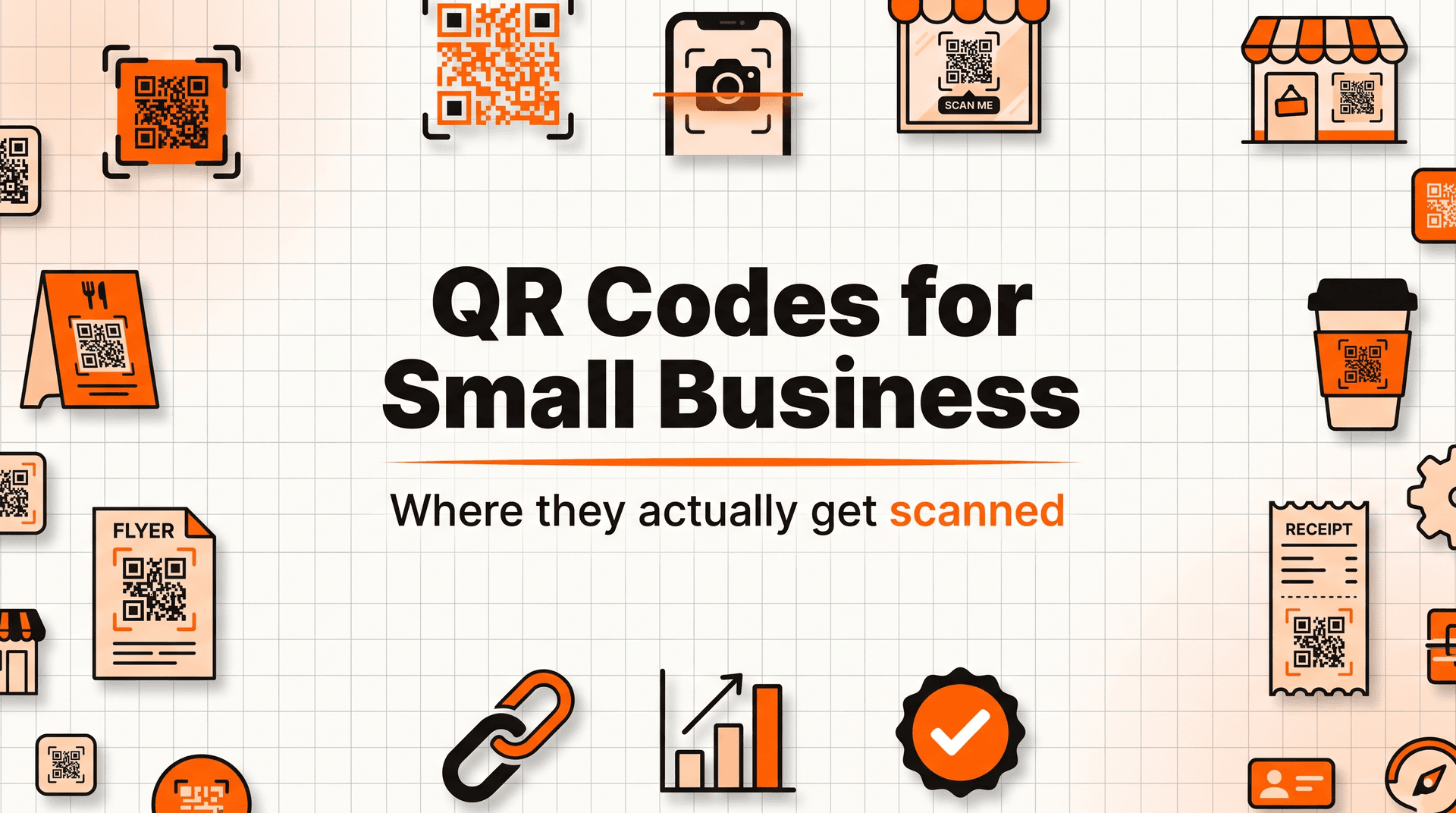
Placement decides everything. A code only gets scanned where a phone is already in a hand and the customer has a reason to look down. Aim for those moments, in this order.
The table and the counter. Someone waiting for food or a coffee has their phone out and a minute to spare. This is prime real estate for a review request or a menu.
The receipt and the invoice. The moment a transaction ends is the moment a happy customer is most willing to help. A code at the foot of the receipt asking for a review catches that window.
The packaging. A sticker inside the takeaway bag or on the product box reaches the customer at home, relaxed, with the experience fresh. Point it at a review or a reorder page.
The van and the shop window. A service van in a driveway is an advert seen by neighbours. A code on it that opens booking turns a parked van into a lead. A window code works after hours, when the shop is shut but the interest is not.
The flyer. If you hand out flyers, a code is the only reason a flyer ever becomes a website visit. Without one, the paper goes in a pocket and dies there.
Getting found locally compounds all of this. Business Victoria, part of the Victorian Government, notes that roughly 78 percent of Google searches result in a visit within a week, which is why sending scans toward your Google profile and your reviews is worth doing on purpose. Every scan that strengthens your local presence feeds the searches that were going to happen anyway. If foot traffic is the goal, it pairs well with the other tactics in our guide to getting more foot traffic.
Give people a reason to scan
A bare code with no words gets ignored. People need to know what they get before they lift their phone. So put a short, plain line right next to the square: "Scan to leave a review," "Scan for today's menu," "Scan to book your next cut." Tell them the payoff in five words.
An incentive helps when it fits. A Bitly survey found that 39 percent of marketers say exclusive content is the most effective thing to get a scan, and 33 percent say discounts or promotional offers. Bitly's survey of marketers reports that adoption held steady year on year and that the most effective scans offer either exclusive content or a discount, which is a useful pattern when you are deciding what to put behind a code. For a small business that can be as simple as "Scan for 10 percent off your next visit" on a receipt, or a members-only recipe behind the code on a jar of sauce.
Match the reward to the ask, though. Do not offer a discount to get a review, because that crosses a line Google does not allow and it makes the review worth less. Save the discount for the reorder and the return visit. Keep the review ask clean.
How do you know if it is working?
If you used a dynamic code, you already have the number that matters: scans. Watch it for two weeks. A code getting a handful of scans a day in a busy cafe is fine. A code getting zero is telling you something, usually that it is in the wrong place or has no reason-to-scan line.
Then tie the scan to the outcome, not just the tap. If the code points at your review page, the real measure is new reviews, not raw scans. Count your reviews the week before you put the codes out, then count them a month later. If reviews rose and the scan count is climbing, the bridge is working. If scans are high but reviews are flat, the code is fine and the review page is the problem, so look at how many taps it takes to actually leave a star.
Move the code that is not working. This is the quiet advantage of a dynamic code and a countable placement: you can try the receipt, see it beat the table tent, and shift your printing toward the winner without guessing.
The common mistakes that kill scans
Most failed codes fail for one of a few plain reasons.
Pointing at the homepage. The single most common error. The customer scans for one thing and lands on a menu of everything. Point at the action, never the front door.
No reason to scan. A code with no words next to it is a square nobody understands. Always add the payoff line.
Broken on mobile. The code opens a page that is slow, tiny, or asks people to pinch and zoom. If the destination is not built for a phone, the scan is wasted. Test it on a real phone before you print.
Static codes for things that change. A fixed code on a menu that changes every season means reprinting every season. Use dynamic for anything that might move.
Too many codes at once. Five codes on one flyer is zero codes, because the customer cannot tell which one to scan. One code, one job.
The pattern under all of these is the same. A scan is a customer offering you three seconds of attention with their phone already open. Waste that offer with a bad link, a silent square, or a slow page, and they will not offer again.
Frequently asked questions
Are QR codes still worth it in 2026?
Yes, and the behaviour is more normal now, not less. A Bitly survey found that over 90 percent of marketers said they used QR codes in 2025, and 94 percent had increased their usage over the previous year. Customers scan them without a second thought. The question is not whether to use one, it is where you point it.
Do I need to pay for a QR code generator?
Not for a basic, fixed code. Free tools make a working static code in seconds. You pay only when you want a dynamic code, one you can redirect later and that counts scans. For anything printed in volume or stuck on a van, that small monthly cost pays for itself the first time your link changes and you do not have to reprint.
What should my QR code link to?
The one action that helps you most, almost always a Google review page or a booking link. Do not send it to your homepage or a list of options. Pick the single next step a customer would take with their phone in that moment, and point the code straight at it.
Where do QR codes get scanned the most?
Where a phone is already out and there is time to spare: the table, the counter, the receipt, the packaging, and the service van. Consumers most often scan for menus and product information, so those spots plus a clear reason-to-scan line get used the most.
A QR code cannot fix a business, but it can catch a moment that used to slip away, the happy customer at the table who never got asked, the flyer that never became a visit. Point one code at one action, put it where the phone is already out, and the offline moment becomes an online result. Fonzy handles the online side, keeping your Google profile and content working so that when a scan sends someone to look you up, they find a business that shows up and earns the call.
Sources
- Bitly (QR Code survey): marketer adoption, the actions people scan for, and the incentives that drive scans
- TEAM LEWIS Market Research (via Bitly): how often consumers scan QR codes, including weekly scanning among younger shoppers
- Business Victoria (Victorian Government): local search intent and how quickly searches turn into visits


